

Connections
A connection is a configured target system that DataMaker can push generated data into, or pull existing records out of. Once configured, every template can be “exported” to that connection from the UI, the API, a scenario, or the agent.
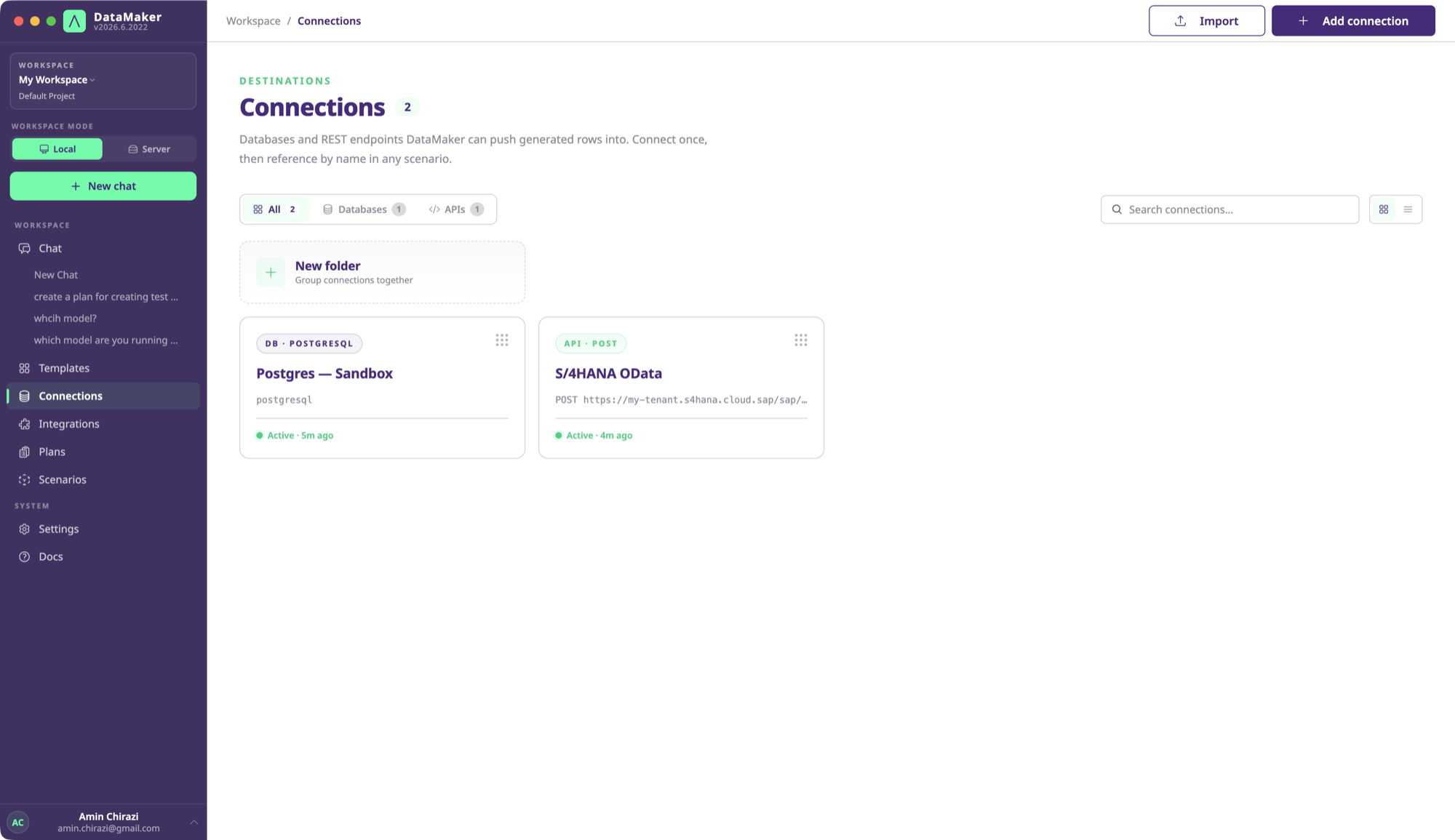
DataMaker supports four families of connections:
- Databases: Postgres, MySQL, MongoDB, MSSQL, Oracle, IBM DB2.
- REST endpoints: any HTTP API, with custom headers and auth.
- SAP OData: V2 and V4 services, with auto-CSRF and
$metadatadiscovery. - Tricentis Tosca: Tosca Cloud and on-prem Tosca Commander, to read test-case designs and write test data back into Tosca.
Anatomy of a connection
{ "id": "conn_abc123", "name": "S/4 Sandbox", "type": "sap_odata", "url": "https://my-sap.example.com/sap/opu/odata/sap/API_BUSINESS_PARTNER_SRV", "auth": { "type": "basic", "secret_ref": "sec_xyz" }, "metadata": { "entitySets": ["A_BusinessPartner", "A_BPAddress", ...] }, "lastVerifiedAt": "2026-04-25T18:14:00Z"}Auth secrets are stored encrypted; you reference them by ID, never by value, in scenarios and the API.
Verifying a connection
When you create a connection, DataMaker runs a quick verification:
- Databases: opens a connection, runs
SELECT 1(or equivalent). - REST: makes an authenticated
OPTIONSorGETto the base URL. - SAP OData: fetches
$metadataand parses the entity sets.
If verification fails, the connection is created in an unverified state. You can still edit and retry. See Troubleshooting → Common errors if your auth flow needs a one-off CSRF setup or proxy.
Mapping a template to a connection target
Templates and connections are independent. To push, DataMaker needs to know which template field maps to which target column / property / entity property.
The first time you push, the UI shows a mapping screen that auto-suggests by name match. You can:
- Override individual mappings.
- Skip target columns (DataMaker leaves them at their default / null).
- Save the mapping so subsequent pushes are one-click.
Mappings are stored on the template per-connection.
Push, fetch, both
Most teams push more often than they fetch. The workflow is “generate synthetic data, write it into the test system”. But for SAP regression workflows, you also fetch existing records to build a regression dataset from. See Workflows → SAP regression.
The same connection is used for both directions; nothing extra to configure.